

As a video producer working in today’s rapidly evolving digital landscape, I’ve experienced firsthand how crucial artificial intelligence (AI) has become. AI isn’t just a trend—it’s a necessity that enables us to create content more efficiently and effectively. According to a Vimeo survey, 80% of people prefer video content over text, yet many struggle with the time and resources required for video production.
Here’s how you can practically integrate AI into your daily video production workflow and leverage current trends to stay ahead.
1. Effortless Scriptwriting with AI

Writer’s block can halt creativity. AI-powered tools like Jasper, Writesonic, Synthesia, and Vimeo’s AI assistant utilize natural language processing to quickly generate scripts, outlines, and storyboards.
Real Data: AI-assisted scriptwriting can reduce drafting time by up to 70%, dramatically accelerating content creation.
Hands-On Exercise:
- Choose an AI script tool (e.g., Jasper).
- Prompt example: “Write a 30-second promo for an eco-friendly skincare line, highlighting natural ingredients and sustainability.”
- Customize the AI-generated script to fit your brand voice.
Pro Tip: By following these steps, you’ll have a solid script ready in a fraction of the time it used to take. And remember, each time you use the AI, it’s a learning opportunity – you’ll get better at crafting prompts and the AI output will get closer to what you envision.
2. AI-Powered Video Generation & Editing
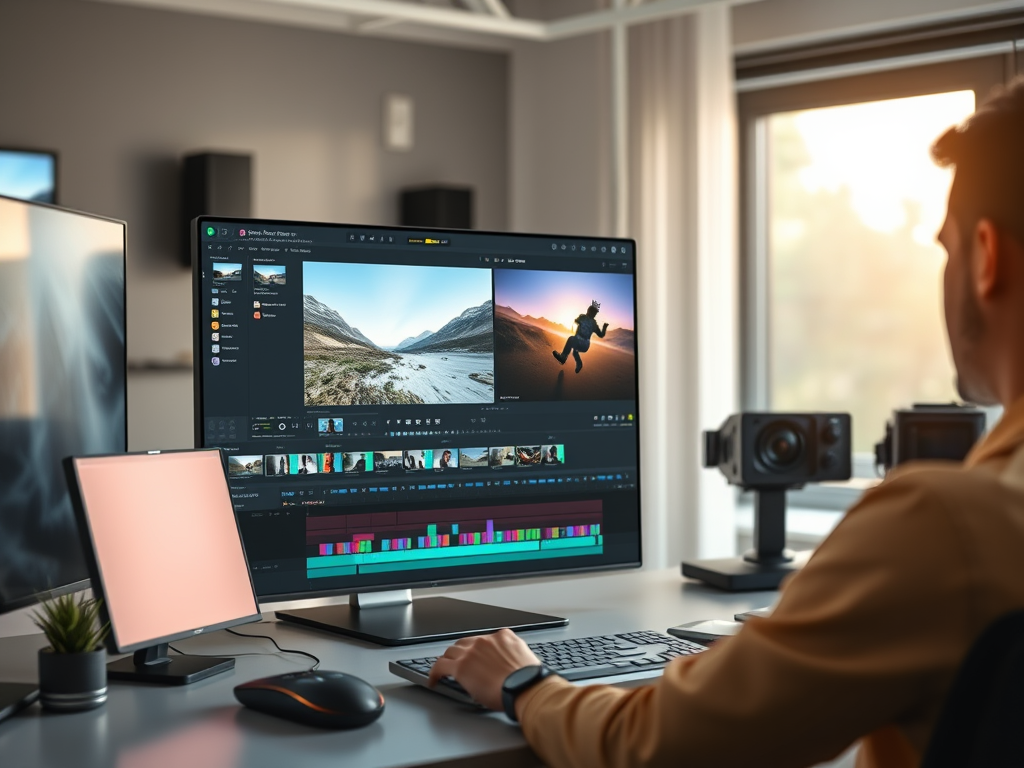
Emerging trends indicate a significant increase in AI-generated visual content. Platforms like OpenAI’s Sora and Google’s Veo2 (the more powerful Veo3 is now available) translate text descriptions directly into video content, while editing platforms such as Runway ML and Descript automate tedious tasks like footage sorting and filler removal.
Real Data: AI editing tools have reduced production timelines by as much as 50% for marketing teams, enabling quicker turnaround and higher output.
Hands-On Exercise:
- Use Descript to import video footage and auto-transcribe.
- Instantly remove filler words with a single click.
- Edit your video by rearranging the transcript to enhance the narrative flow.
Pro Tip: Always review AI-edited videos thoroughly. While AI is fantastic for rough cuts and tedious tasks, you’ll want to ensure the final flow feels natural. Think of AI as your rough draft editor; you are still the director who gives the final approval. Combine your intuition with AI’s speed for the best results.
3. Dynamic & Personalized Video Experiences

Personalized video content is trending strongly, driven by consumer preference for relevant and engaging experiences. AI technology enables dynamic content personalization based on viewer data, significantly boosting engagement and conversion rates.
Hands-On Exercise:
- Add personalized greetings using tools like Vidyard, incorporating viewer names and details.
- Create interactive video chapters or Hotspots using YouTube or Wistia to let viewers navigate content.
Pro Tip: Personalization can sound complex, but you can start small and layer in sophistication as you go. Even a little personalization can make a big difference in how viewers perceive your content. They’ll feel like you’re speaking to them, not at them – and that’s a great way to build trust and loyalty.
4. Smarter Decisions with AI Analytics

AI-powered analytics platforms like VidIntel, iWeaver, and Lumana provide real-time, deep insights into viewer behaviors and preferences, empowering creators to make informed decisions.
Real Data: By 2025, it’s predicted that 60% of enterprises will utilize AI analytics for video content optimization, up from just 15% in 2022, according to iWeaver AI Report, 2024.
Hands-On Exercise:
- Leverage YouTube Analytics to pinpoint “most replayed” video segments.
- Utilize TubeBuddy’s AI-driven thumbnail tests to quickly enhance viewer engagement.
- Check the analytics on your current videos to identify patterns.
Pro Tip: By integrating AI into your analytics workflow, you essentially develop a feedback loop for continuous improvement. Create -> Analyze -> Adjust -> Create (better) -> and so on. Over time, you’ll hone in on what your audience truly wants, and you’ll have the numbers to back it up. It’s incredibly satisfying to see those retention and conversion graphs trend upward as you implement data-driven tweaks.

Final Thoughts
In the end, great video storytelling will always be about connecting with people. AI just gives us new superpowers to do it more effectively. Integrating AI into your workflow isn’t just a tech upgrade; it’s a creative upgrade. Your audience will notice the difference – in the form of content, and your bottom line will notice too.
 LJ Visual Studio
Leave a comment