

Traditional pre‑production—from ideation to storyboard—is often fragmented, time‑eating, and cost‑heavy. As of mid‑2025, smarter, integrated AI tools are offering a more logical, intuitive, and faster path from idea to the shoot floor. Platforms like OpenAI Sora, Google Veo 3, Shai Creative, Studiovity, and Runway Gen‑3 exemplify modern, hands‑on tools that accelerate ideation, asset planning, visual direction, and logistics—all while keeping human oversight central.
Each tool below is an example, not the only option.
1. Define Your Vision and Tone
Purpose (1–2 sentences): Lock in the emotional tone, core message, and audience before drafting.
How‑to:
- Begin with a concise brief: purpose, audience, tone, and desired length (e.g. “introduce new app feature in friendly B2B tone, ~90 s video”).
- Use ChatGPT Pro + Sora, or Gemini AI, to turn that prompt into a structured outline: scenes, key message per scene, dialogue points.
- Prompt for alternate versions: shorter scenes, different hooks, or localizations.
2. Draft a Scene-by‑Scene Script
Purpose: Align project scope, pacing, and dialogue in an editable script form.
How‑to:
- Ask the AI to flesh out each outline point into a full working script with dialogue, narration, and suggested visuals.
- Use refinements like “make dialogue more conversational” or “shift tone from formal to playful.”
- Tools like Synthesia offer template-backed script generators that output both script and storyboard-ready visuals.
3. Quickly Breakdown the Script into Production Assets
Purpose: Translate script into tabulated elements—characters, props, locations, VFX, wardrobe—without manual tagging.
How to:
- Upload your script (PDF, FDX, or TXT) to Studiovity or Filmustage. These platforms auto‑extract tags, scene synopses, and asset lists.
- Review AI suggestions: correct missing items, merge duplicate tags, clarify location visuals.
- Export stripboards, prop lists, preliminary call sheets, or import into scheduling software if needed.
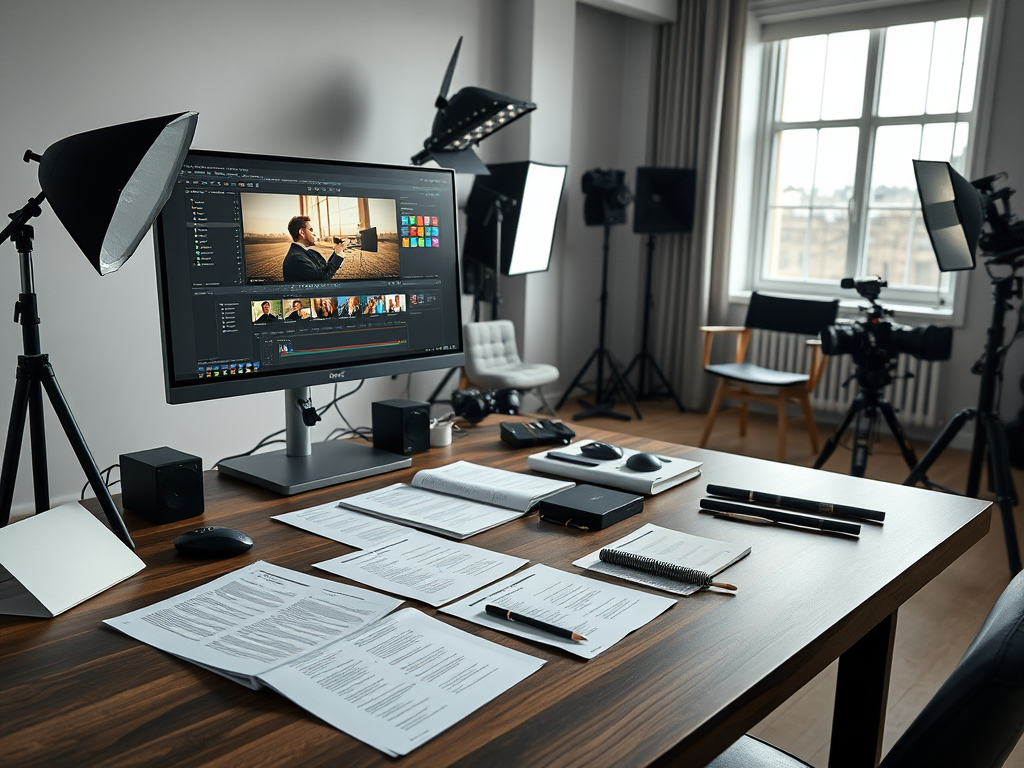
4. Visual Storyboarding & Pre‑Visualization
Purpose: Create visual references early—panels or short scenes—to align framing, lighting, and tone.
How to:
- Feed breakdown or prompt phrases (e.g., “office meeting, over‑the‑shoulder, warm light”) into Shai Creative. It generates detailed storyboards keyed to script scenes.
- For more cinematic mockups or short test clips, use Runway Gen‑3, which allows text‑to‑video (or video‑to‑video) generation with fine control over motion and style.
- Iterate by creating 3–5 visual style variations per beat; select the version that best matches your director’s risk tone.
5. Automate Scheduling & Call‑Sheet Generation
Purpose: Convert assets and storyboard into shoot-ready logistics fast.
How to:
- In Studiovity or Filmustage, assign scenes to shoot days based on cast and location availability. Tools automatically generate stripboards, scene calendars, crew call times, meal windows, and even weather or travel buffers.
- Preview and export professional call sheets in PDF or share link form.

6. Collaborate, Review & Refine
Purpose: Ensure creative alignment and preserve brand integrity, beyond AI suggestions.
How to:
- Share storyboard decks and draft videos with the team (director, DP, producer) early.
- Invite comments or revision prompts like: “tighter edit on transition,” “include more product close-up.”
- Apply feedback with AI: re‑run visuals or scripts as needed. Keep a revision log to track choices manually.
7. Measure Impact & Prepare for Scale
Purpose: Understand time and cost savings, and refine your process for future projects.
How to:
- Compare AI workflow hours vs baseline: script drafting, storyboard creation, scheduling.
- Factor tool subscription costs (typically US $20–50/month) vs hired artists or producers.
- Collect team feedback: did visual alignment improve? Were fewer reshoots needed? Is there a reusable prompt or template?
- Log “winning” prompts and asset structures for future reuse.

Why These Steps Matter
Industry adoption is accelerating. Fox Entertainment now officially encourages Runway for production content. Google’s Veo 3 and Veo 3 Fast are able to generate 1080p video with lip‑synced dialogue and sound designed for enterprise workflows. And OpenAI’s Sora, launched publicly in December 2024, generates up to 60‑second videos directly from prompts.
These tools may seem individually focused—script-writing, visualization, scheduling—but their real power lies in seamless hand‑offs and shared workflows. When a brief reflects brand intent, a script follows tone, storyboards show framing, and logistics fall into place—all with AI doing the heavy lifting—teams can focus instead on strategic oversight and storytelling nuance.
Final Thoughts
AI in pre‑production isn’t about replacing creative roles. It’s about automating routine drafts so that you can spend more time on decisions that matter. Use these tools with intent, monitor outcomes, and your next pre‑prod cycle may be your most efficient yet.
 LJ Visual Studio
Leave a comment