
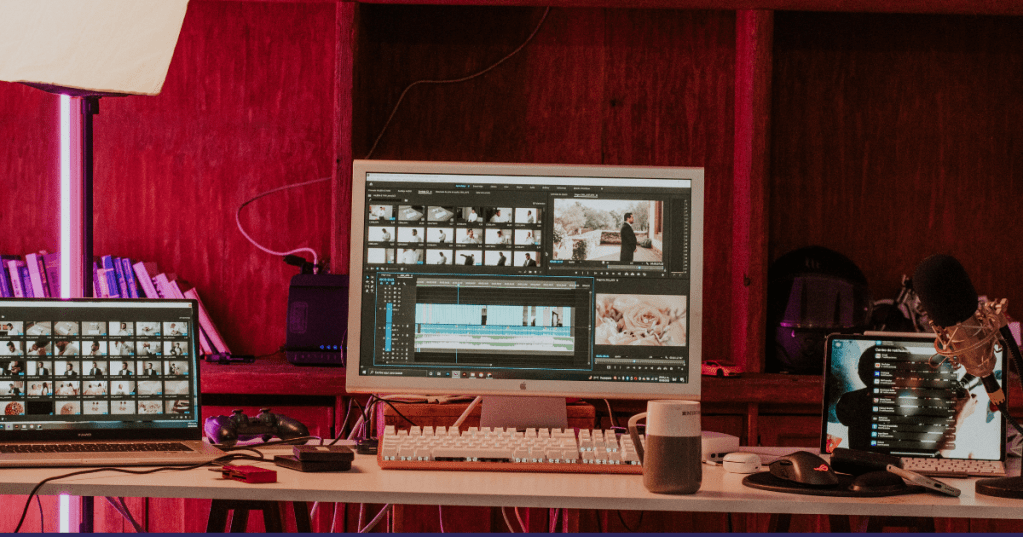
Video is now one of the most powerful tools in any brand’s digital strategy. Whether you’re running a business, managing content for clients, or producing educational materials, the demand for video has never been higher—and neither has the pressure to create it faster, better, and more affordably.
Enter AI video editing tools.
In 2025, AI-powered platforms are no longer just “nice-to-have” add-ons. They’re essential workflow enhancers, allowing businesses and creators to produce high-quality videos with fewer resources, less time, and more creative freedom.
Why AI Editing Tools Are Essential Now
The video editing process has traditionally been time-intensive—scene trimming, captioning, voiceovers, formatting for multiple platforms. AI tools now handle many of these tasks automatically.
According to recent forecasts, the global market for AI video editing tools is expected to grow from $1.6 billion in 2025 to over $9.3 billion by 2030. This growth reflects a clear trend: content teams want smarter tools to help them move faster.
What AI Can Do (And How It Helps You)
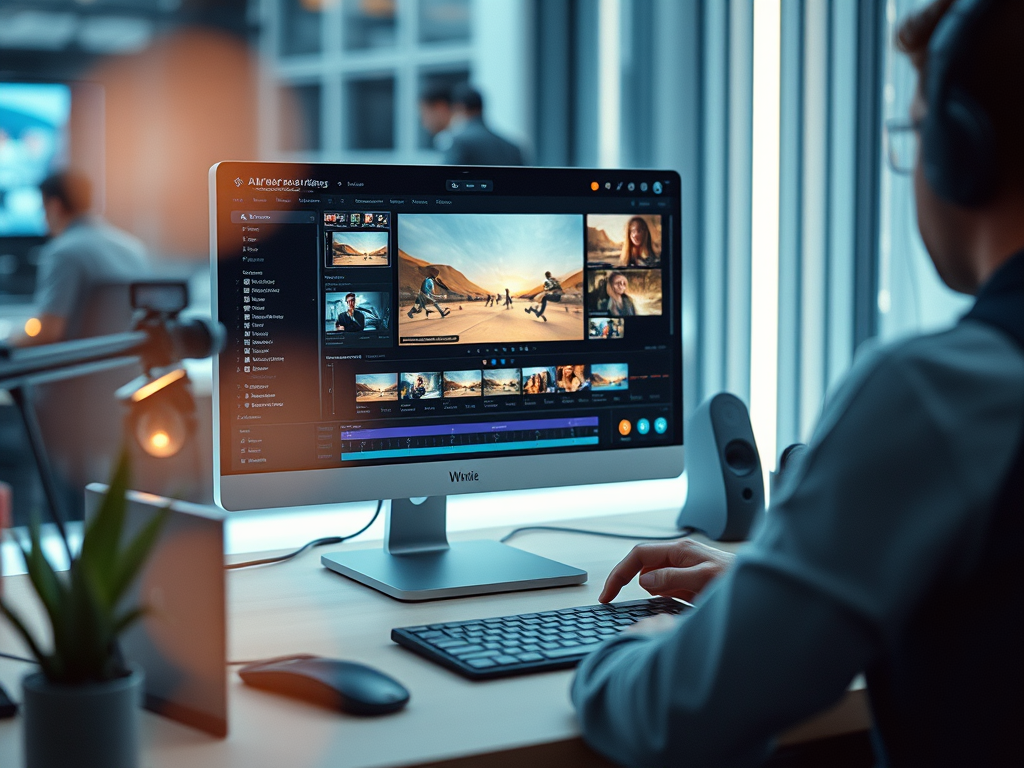
Here’s a look at what modern AI tools can automate—and what that means in practice:
| AI Feature | What It Does | How You Can Use It |
|---|---|---|
| Scene detection | Auto-cuts long videos into segments | Great for breaking webinars into short clips for social |
| Filler word removal | Deletes “uh,” “um,” pauses | Speeds up editing for interviews and talking-head content |
| Auto-captioning | Adds accurate subtitles | Saves hours and ensures accessibility across platforms |
| Voice cloning | Lets you fix narration without re-recording | Useful for fixing minor errors in final voiceover |
| AI avatars | Generates talking-head videos from text | Ideal for training or updates without filming |
| Auto formatting | Crops and resizes videos for different platforms | Saves time on TikTok, Instagram Reels, YouTube Shorts |
Recommended Tools and Hands-On Use Case
Below are some of the most effective AI video editing tools available in 2025. Here are practical ways to start using them immediately.
1. Runway (Gen-4)
What it does: Generates and stylizes video content using text prompts or reference images.
Best for: Marketing teams, creatives, and agencies looking to scale visual production quickly.
Try this: Write a short product description and paste it into Runway’s Gen-4 interface. The platform will generate stylized visuals or animations you can use in an ad, B-roll, or social post.
2. Descript
What it does: Edits video like a document by using transcripts.
Best for: Marketers, educators, and podcast producers working with long-form or spoken content.
Try this: Upload a Zoom recording. Descript will transcribe it instantly. Delete filler words with one click. Add subtitles. Export in under 15 minutes.
3. Synthesia
What it does: Produces avatar-led videos from a written script in over 140 languages.
Best for: Training departments, HR teams, or global businesses needing consistent messaging.
Try this: Write a 2-minute onboarding script. Choose an AI avatar that fits your brand voice. Generate a professional video in multiple languages without using a camera.
4. Veed.io / Pictory / Wisecut
What they do: Focus on social-first content—automated cropping, captions, and visual branding.
Best for: Small businesses, content creators, and social media managers.
Try this: Upload a landscape-format product demo. Let the platform auto-crop it into vertical. Add captions and branding in one click. Export for TikTok or Instagram.
5. DaVinci Resolve 20
What it does: A pro-level editor with added AI tools like IntelliScript, Smart Subtitles, and auto audio fixes.
Best for: Video editors and content teams that need creative control plus automation.
Try this: Import your footage, use IntelliScript to generate a transcript, and auto-cut the best takes. Combine this with Smart Subtitles to speed up your first draft significantly.
Quick Tool Comparison Checklist (2025)
| Tool | Best For | Key Features | Free Plan | Starting Price (US) | Hands-On Tip |
|---|---|---|---|---|---|
| Runway (Gen‑4) | Creative teams, marketing agencies | Generative video from text/image, 4K export, style transfer | ✅ Yes | ~$12/mo | Test a product script as a Gen‑4 visual |
| Descript | Trainers, marketers, podcast editors | Transcript-based editing, filler word removal, voice cloning, subtitles | ✅ Yes | ~$16/mo | Edit a Zoom call by deleting transcript text |
| Synthesia | HR, L&D, global comms | AI avatars, 140+ languages, no filming required | ❌ No | ~$30–45/video | Input a script and select a presenter |
| Veed.io | Social media managers, creators | Auto-cropping for Reels/Shorts, subtitles, branding tools | ✅ Yes | ~$18/mo | Repurpose a YouTube video for TikTok |
| DaVinci Resolve 20 | Professional editors, hybrid workflows | Full editing suite with AI add-ons: Smart Subtitles, IntelliScript, 4K export | ✅ Yes | $295 one-time | Try Smart Subtitles on an interview clip |
Pro Tip: Most tools offer free trials. Start small, test them on one video, and track your time saved.

Getting Started: A Simple AI Workflow
Here’s how to put these tools into action—without overwhelming your existing process:
- Pick one tool aligned with your biggest time sink (e.g., subtitling, resizing, edits).
- Use a real video from your backlog to test the tool’s capabilities.
- Track time saved versus manual methods.
- Scale gradually by building a workflow stack (e.g., Descript for editing + Veed for social cutdowns).
Final Thoughts
AI video editing tools are no longer experimental—they’re strategic. For small teams, they mean getting more done with fewer people. For marketers, they unlock speed and scalability. For editors, they remove tedious tasks and elevate creative focus.
The key isn’t to replace human creativity—but to let automation handle the grunt work so your time goes toward storytelling, branding, and results.
If you’re producing content regularly in 2025, AI should already be part of your toolkit. The sooner you integrate it, the more time—and budget—you’ll save.
 LJ Visual Studio
Leave a comment