

In 2025, compelling video content remains essential for brands aiming to captivate their audience, particularly through social media reels and short-form videos. Whether you’re just starting your marketing journey or are a seasoned professional, powerful and accessible video editing tools are indispensable. Here, we introduce the top 10 cross-platform free tools that help you create engaging marketing content effortlessly.
1. DaVinci Resolve (Windows, macOS, Linux)
Ideal for creating polished brand stories, commercials, and detailed product showcases.
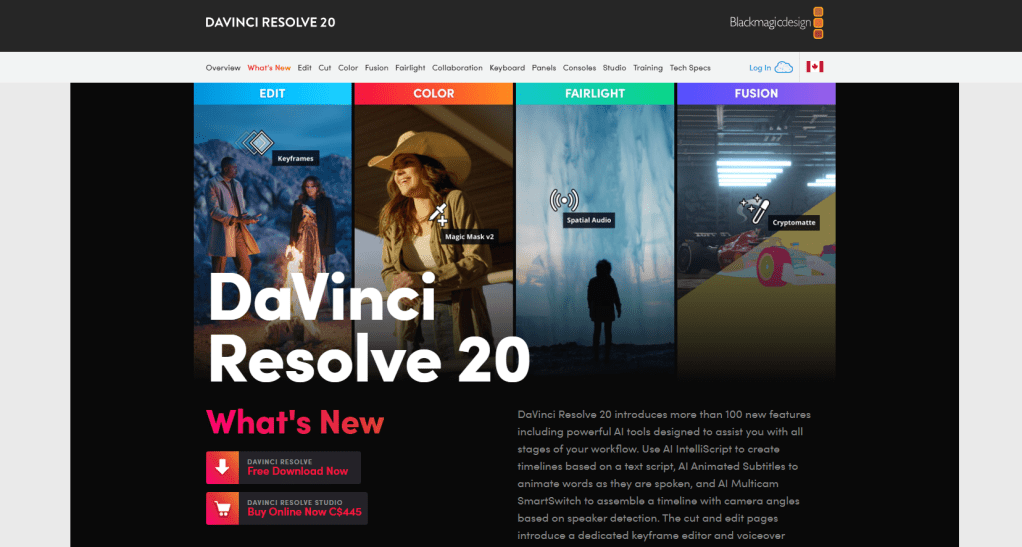
- Strengths: Advanced editing capabilities, professional color grading, and visual effects.
- Limitations: Complex interface and demanding system requirements.
- Difficulty: High; steep learning curve, best suited for experienced editors.
2. CapCut (Windows, macOS, Web, iOS, Android)
Perfect for trendy TikTok videos, Instagram Reels, and YouTube Shorts.
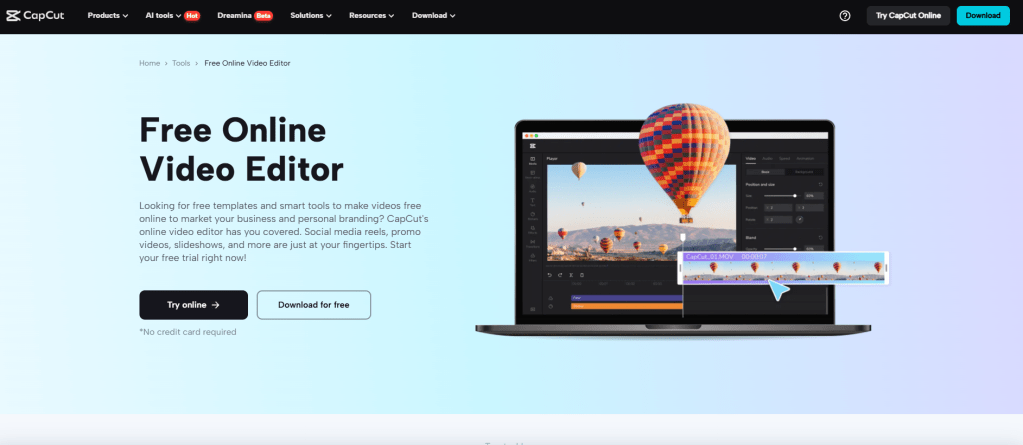
- Strengths: User-friendly interface, extensive effects library, seamless integration with platforms like TikTok.
- Limitations: Advanced features require subscription upgrades; performance may decline with larger projects.
- Difficulty: Low; easy to learn, suitable for beginners.
3. Canva (Web, iOS, Android)
Excellent for quick social media announcements, promotional posts, and short-form visual storytelling.
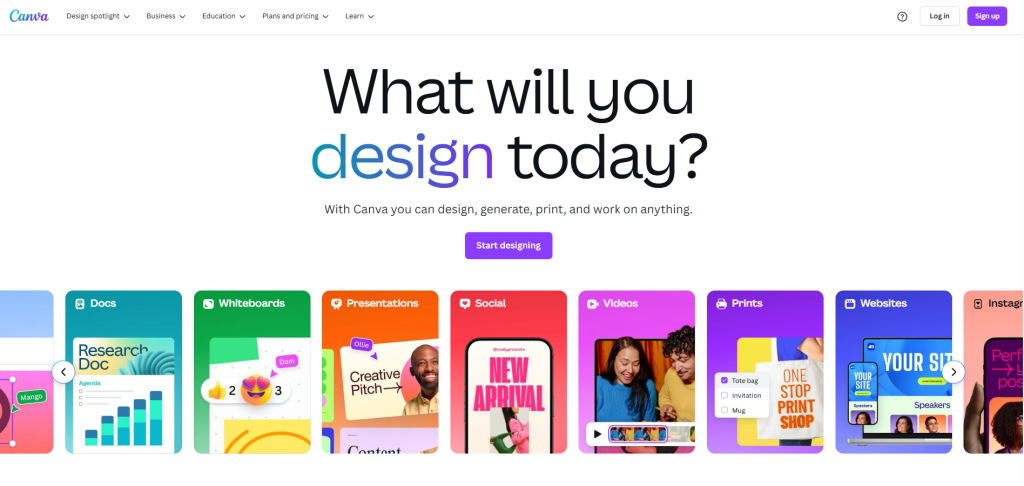
- Strengths: Extremely intuitive, extensive collection of customizable templates and graphics.
- Limitations: Limited advanced editing features, lower resolution exports in the free version.
- Difficulty: Very low; extremely beginner-friendly.
4. Kdenlive (Windows, macOS, Linux)
Great for detailed instructional videos, webinars, and in-depth social media tutorials.
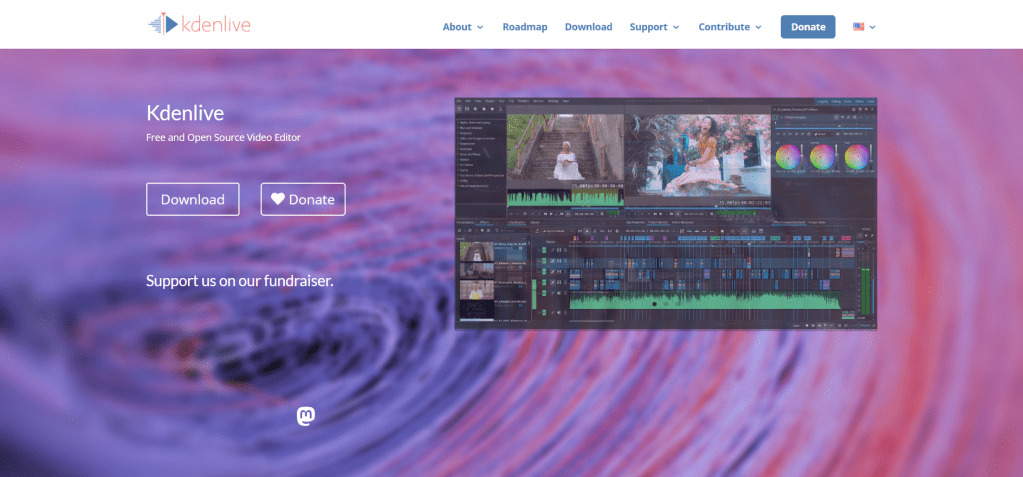
- Strengths: Comprehensive editing suite with professional-level tools, unrestricted access.
- Limitations: Moderate learning curve; user interface less polished compared to premium options.
- Difficulty: Moderate; suitable for users with some editing experience.
5. HitFilm Express (Windows, macOS)
Best suited for visually compelling, effects-driven content like cinematic trailers and engaging promotional clips.
- Strengths: Powerful visual effects and animation tools suitable for creative storytelling.
- Limitations: Higher learning curve, premium features locked behind additional payments.
- Difficulty: High; best for users comfortable with advanced software.
6. Adobe Premiere Rush (Windows, macOS, iOS, Android)
Ideal for quick-turnaround videos, behind-the-scenes footage, and event highlights.
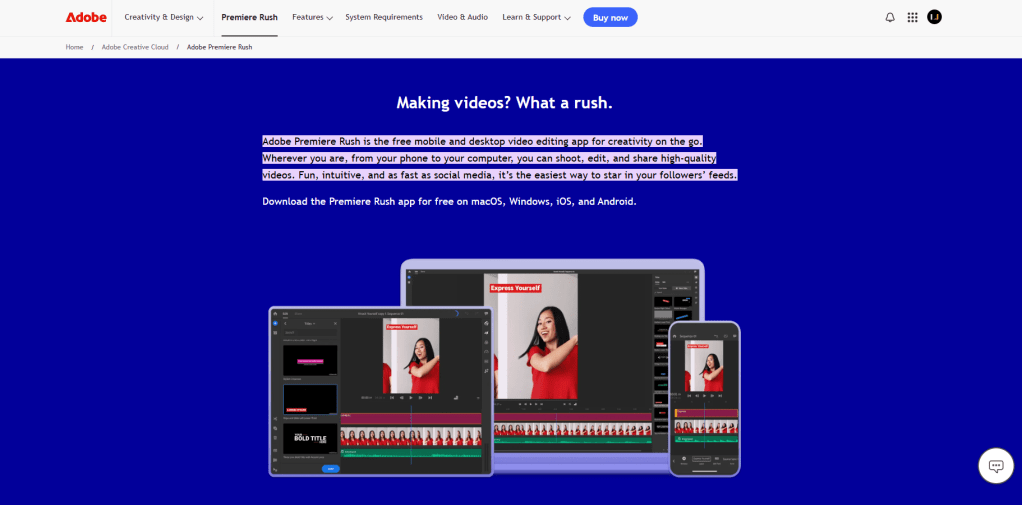
- Strengths: Simplified editing experience, excellent cross-device workflow for rapid content creation.
- Limitations: Limited advanced editing functionalities; restrictions on cloud storage and project count in the free tier.
- Difficulty: Low; suitable for beginners and intermediate users.
7. Clipchamp (Web, Windows, macOS)
Perfect for short promotional videos, social media advertisements, and quick product demos.
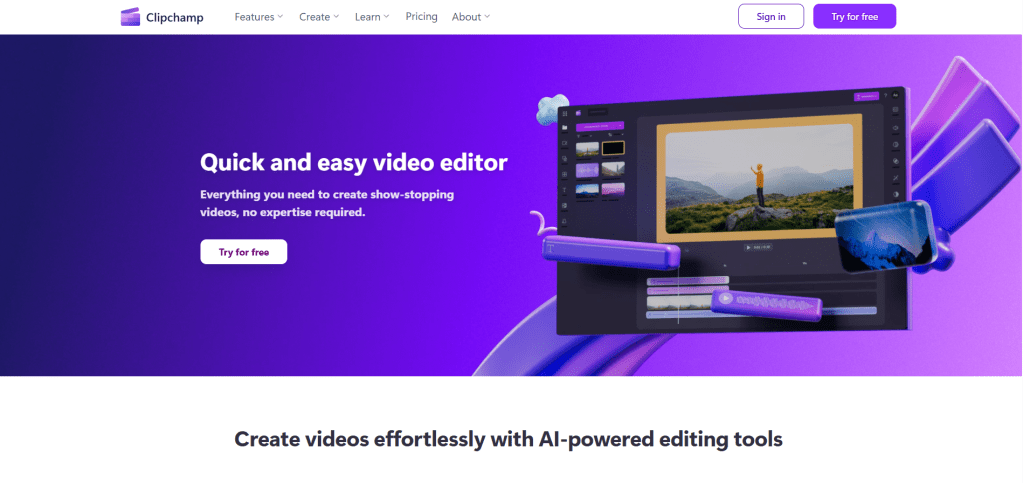
- Strengths: Browser-based accessibility, convenient for quick edits and social media-friendly templates.
- Limitations: Restricted resolution in free version, reliant on internet connectivity.
- Difficulty: Low; beginner-friendly with straightforward tools.
8. iMovie (macOS, iOS)
Great for vlog-style content, quick edits for stories, and simple social media updates.
- Strengths: User-friendly interface tailored for Apple users, efficient basic editing.
- Limitations: Exclusively available for Apple devices, limited customization options.
- Difficulty: Very low; highly intuitive for beginners.
9. InShot (Android, iOS)
Ideal for dynamic Instagram Stories, Reels, and quick mobile video edits.
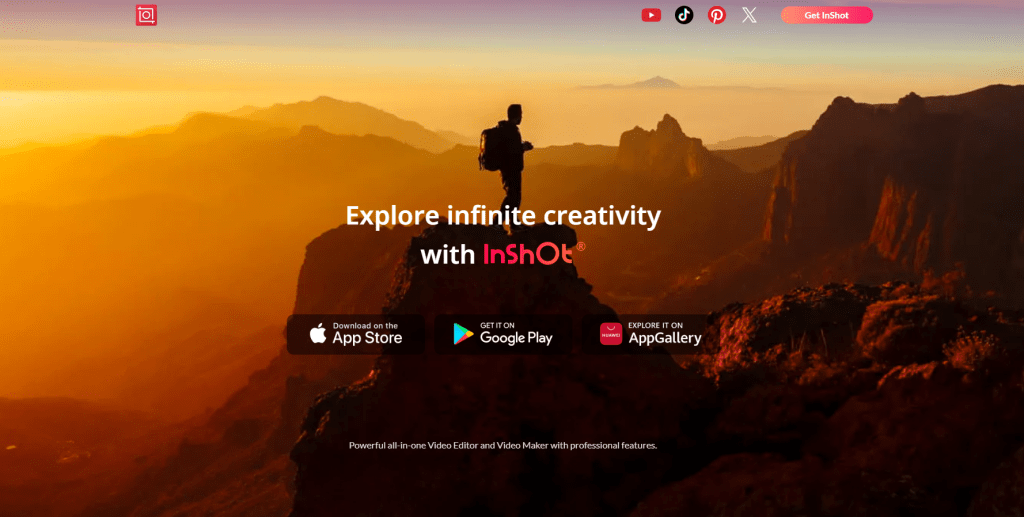
- Strengths: Mobile-friendly, intuitive editing interface ideal for social media content.
- Limitations: Watermarks removable only via ads or premium upgrade, restricted to mobile platforms.
- Difficulty: Low; suitable for beginners and casual users.
10. VSDC Free Video Editor (Windows)
Suitable for comprehensive project videos, educational content, and detailed social media presentations.
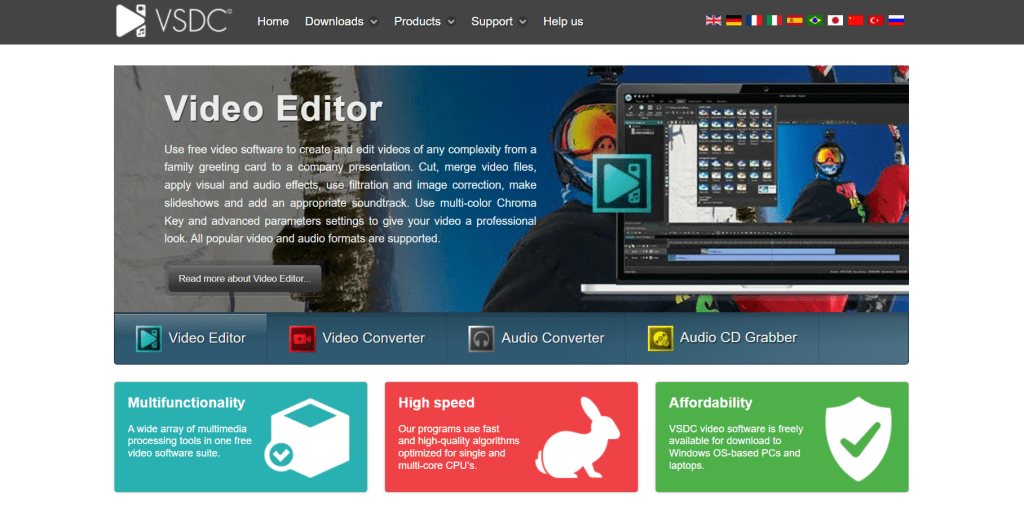
- Strengths: Robust editing features without watermarks, suited for extensive video projects.
- Limitations: Only available on Windows, outdated interface and higher learning curve.
- Difficulty: Moderate to high; better for users with some editing experience.
Conclusion: Selecting the appropriate video editing tool depends significantly on your project’s specific requirements, your proficiency level, and the type of social media content you aim to produce.
Quick-turnaround and social-centric marketers might find Canva, CapCut, or Adobe Premiere Rush particularly beneficial, while those aiming for higher production quality and extensive customization may prefer DaVinci Resolve or HitFilm Express. Each of these versatile free resources empowers marketing professionals to create highly engaging and visually impactful content across various social media platforms.


Leave a comment